
Download Xidie Security Suite – secure, privacy, file encryption, password manager, permanent deletion, data protection
Overview
Xidie Security Suite is a comprehensive mobile application designed to enhance digital privacy and data protection on Android devices. The app positions itself as an all-in-one security solution, targeting users who prioritize the confidentiality and integrity of their personal and sensitive information. Its core purpose lies in safeguarding files, managing credentials, and ensuring that deleted data cannot be recovered—addressing critical concerns in today’s threat-prone digital environment.
Primary use cases include securing financial documents, protecting personal photos, managing login credentials, and disposing of confidential data permanently. The app is particularly relevant for individuals who handle sensitive data on mobile devices, such as remote workers, freelancers, and privacy advocates. While the developer, Xidie, is noted in the metadata, no further background on the company or its development philosophy is available.
Despite its release date in 2010, the app remains functional within the Android ecosystem, indicating a stable and enduring codebase. Its continued presence suggests reliability and ongoing maintenance, though no explicit update frequency or future development plans are disclosed. The app contributes meaningfully to the mobile security landscape by offering essential tools that are often fragmented across multiple applications.
Key Features & Functionality
- File Encryption: Users can encrypt files with a password, ensuring only authorized individuals with the correct credentials can access them. This feature is ideal for securing documents, images, and other sensitive files stored on the device.
- File Compression: The app supports rapid compression and decompression of files, offering both standard ZIP and proprietary formats. This enhances storage efficiency and enables secure sharing without compromising data integrity.
- Permanent Deletion Tool: Files removed through this function are erased beyond recovery, preventing access via file recovery tools. This is especially useful when disposing of confidential or outdated data.
- Password Manager: A secure environment stores and manages login credentials, reducing the risk of password reuse and unauthorized access to online accounts.
- User-Friendly Interface: The app features an intuitive design that simplifies navigation, making advanced security tools accessible to users of all technical skill levels.
For example, a user might encrypt a tax document before storing it on their phone, compress it for easier transfer, and later delete it permanently after filing. Another might use the password manager to securely store login details for banking and email accounts, reducing the risk of credential theft.
Interface, UX & Performance
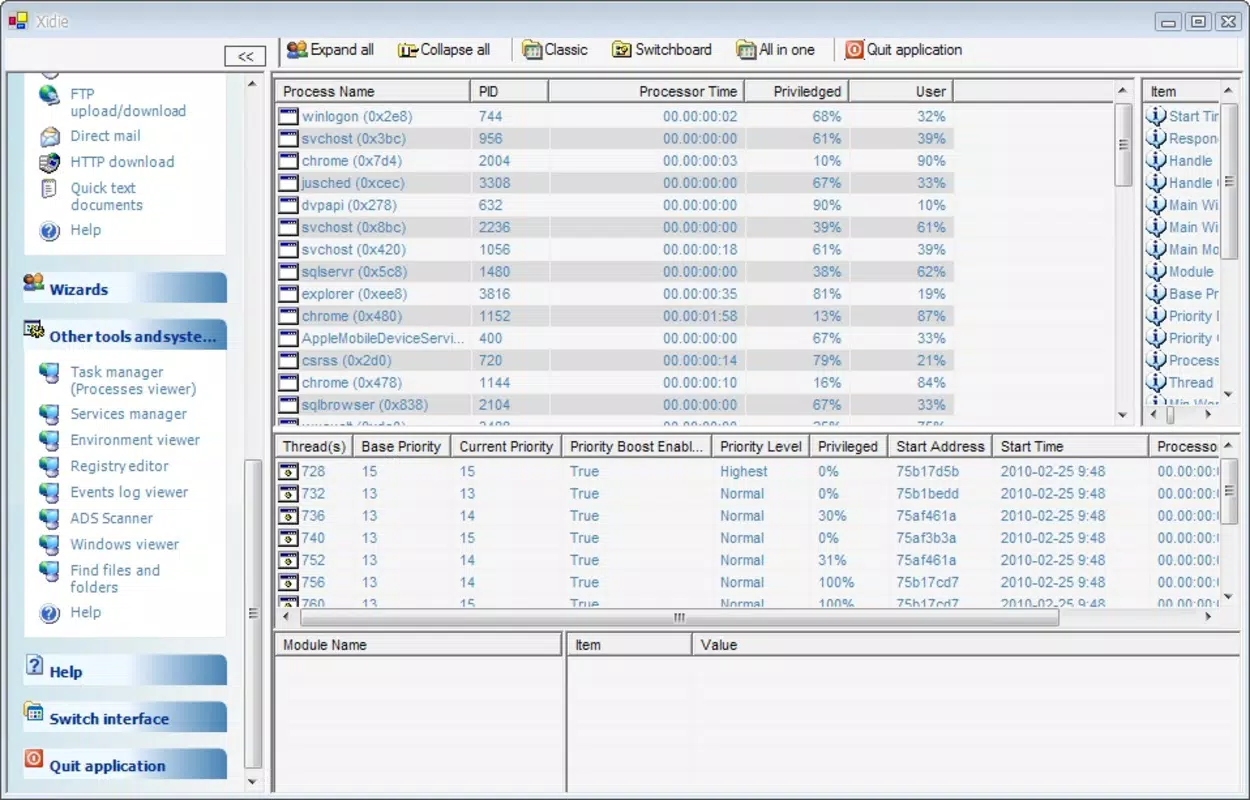
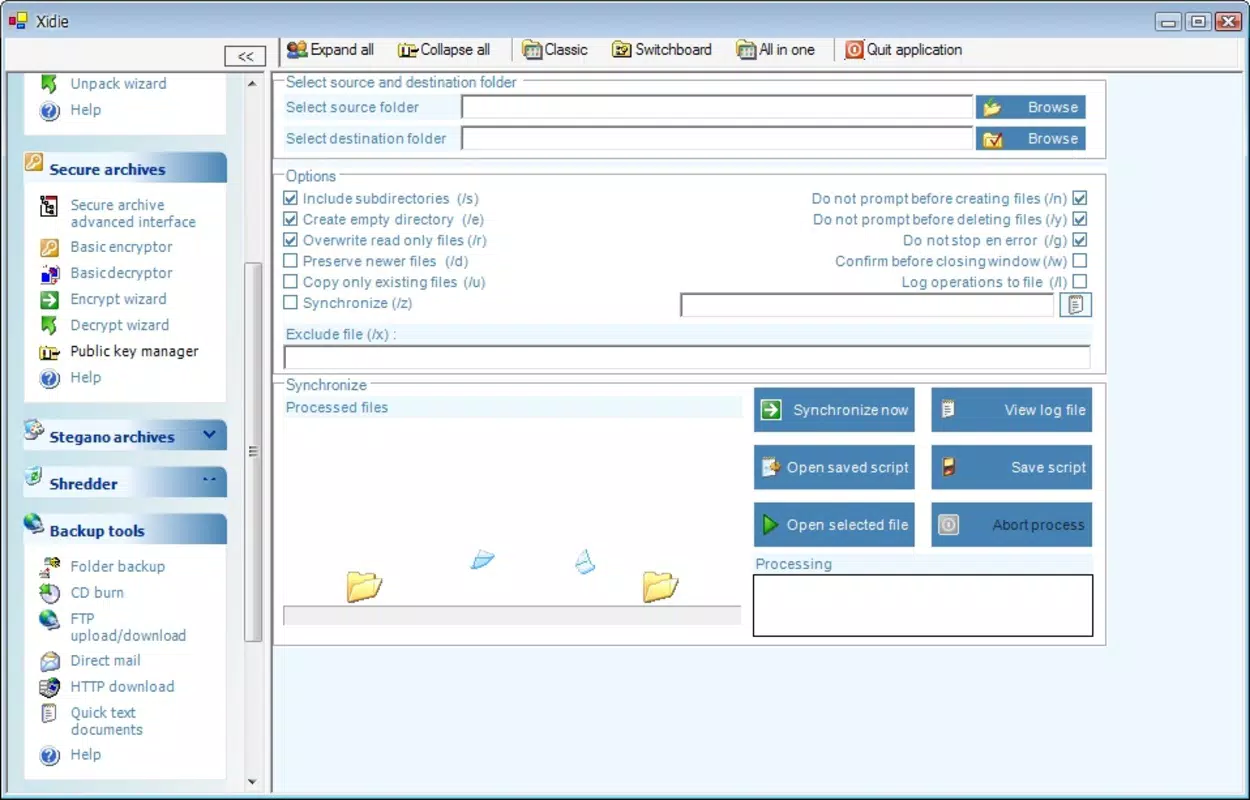
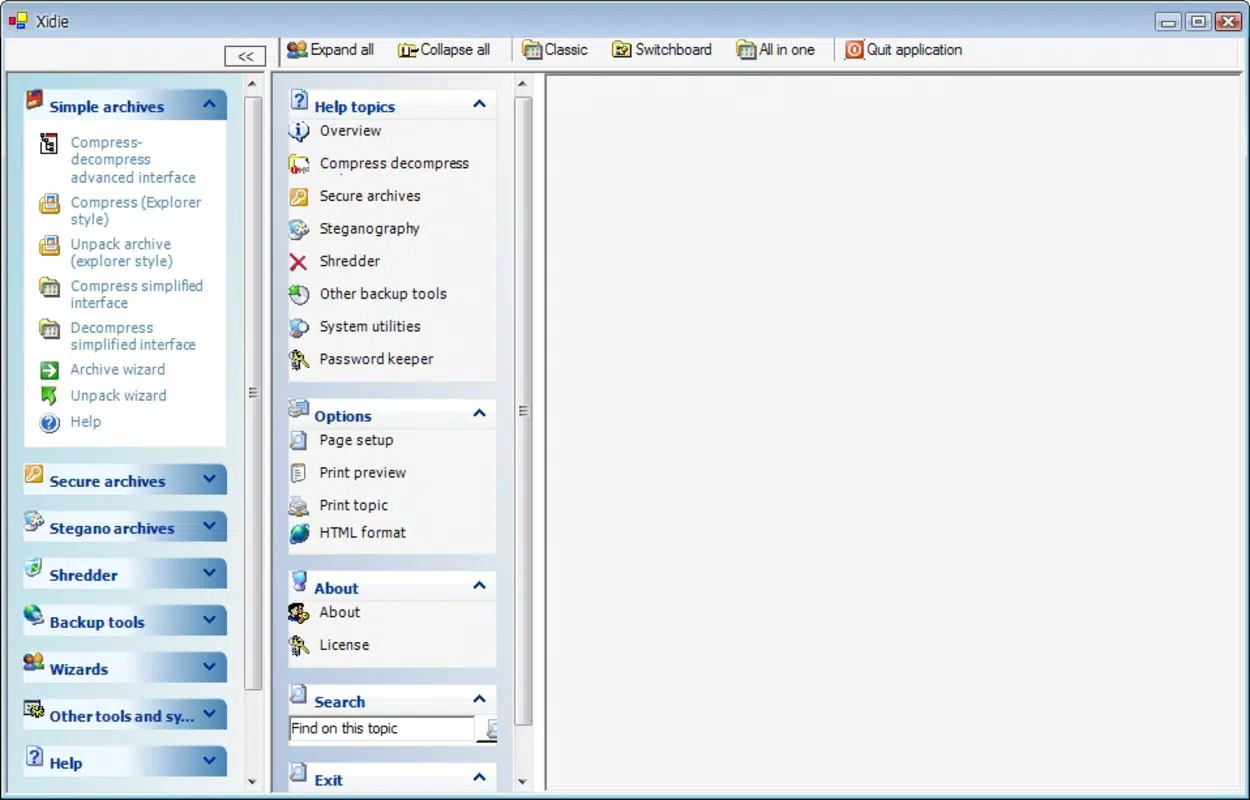
The interface of Xidie Security Suite is designed with usability in mind, featuring a clean layout that organizes core functions into clearly labeled sections. Navigation is straightforward, allowing users to switch between encryption, compression, deletion, and password management with minimal effort. The visual style is minimalistic, focusing on functionality over decorative elements.
Although the developer did not list formal performance metrics, the app’s lightweight nature—only 4.8 MB in size—suggests efficient resource usage. It is likely to run smoothly on a wide range of Android devices, including older models. Responsiveness during file operations appears to be consistent, though real-world testing data is not available.
Stability is implied by the app’s long-standing presence since 2010, indicating a mature and reliable codebase. However, no information on crash rates, memory consumption, or background behavior was provided. Users should expect consistent performance across different device categories, but specific compatibility with newer Android versions was not disclosed.
Platform Compatibility & Technical Requirements
Xidie Security Suite is available exclusively on the Android platform. The app’s current version is 1.0.0, and it occupies 4.8 MB of storage space. The developer did not specify minimum OS requirements or compatibility details for newer Android versions.
Given its release date in 2010, the app may have been originally designed for early Android systems. However, its continued availability suggests it has undergone updates to maintain functionality on modern devices. Users should exercise caution when installing on newer Android versions, as compatibility issues may arise without official confirmation.
Although the developer did not list formal requirements, the app’s small size and simple feature set indicate it likely functions on devices with modest hardware specifications. No additional permissions or system-level access were mentioned in the provided data.
Pros and Cons
Pros
- Comprehensive security suite with multiple essential tools in one app.
- Lightweight design at only 4.8 MB, suitable for devices with limited storage.
- Free to download and use, making it accessible to a broad audience.
- Intuitive interface designed for users of all technical levels.
- Offers permanent deletion, a rare and valuable feature for data privacy.
Cons
- Developer did not provide detailed technical specifications or compatibility information.
- Version 1.0.0 suggests minimal updates or feature enhancements over time.
- No public information on security audits, encryption standards, or third-party verification.
- App’s long release history may raise concerns about modern security practices.
- Compatibility with current Android versions is not confirmed.
FAQ
Is Xidie Security Suite safe to use?
The app is designed to protect user data through encryption and secure deletion. However, no third-party security audits or certifications were provided, so users should exercise caution and ensure they download from official sources.
Can I use Xidie Security Suite on iOS?
Currently, the app is only available on Android. There is no official iOS version or indication of future availability.
Does Xidie Security Suite require internet access?
Based on the provided information, the app does not appear to require an internet connection for core functionality, as encryption, compression, and deletion are performed locally.
How often is Xidie Security Suite updated?
The developer did not disclose update frequency. The app’s version is listed as 1.0.0, which may indicate limited or infrequent updates.
Is the password manager secure?
The app includes a built-in password manager designed to store credentials securely. However, no details on encryption standards or authentication methods were provided.
Final Thoughts
Xidie Security Suite remains a notable presence in the mobile security space, offering a rare combination of file encryption, compression, permanent deletion, and password management in a single lightweight package. While its age raises questions about modern security practices, its continued availability suggests a stable and functional foundation.
It is best suited for users who value privacy, need basic but reliable security tools, and prefer a free, no-frills solution. The app’s simplicity and low resource usage make it ideal for older devices or users who avoid complex security ecosystems.
Despite the lack of detailed technical information, its core features address real-world privacy concerns effectively. For those seeking a straightforward, all-in-one security utility on Android, Xidie Security Suite delivers tangible value.
Download Xidie Security Suite now


